Clean, Replace, or Customize Mesh
Want to replace your mesh? Perhaps give it a little color! If you want me to do it for you, see estimates for cost.
How to Clean Mesh: A white towel or cloth, or cotton swabs, and alcohol are great at cleaning most stains. Do not scrub with too much force or you will separate the mesh layers. For more intense cleaning, remove the mesh and wash with OxyClean (tip from myxomatosis#1766)
How to Replace Mesh: I have a video guide on removing and reinstalling the mesh here!
Customization: Rit's DyeMore for Synthetics gives great results with deep, rich colors on the white mesh, top plastic cover, and power cable. The rubber base does not take color well. The All-Purpose Dye also does not work well and results in a muted, washed-out look!
1: Remove your top cover, mesh, and power cable from the homepod.
2: Find something to slip the mesh on, ideally another empty homepod shell. Put weights in it to keep it from floating in the dye bath. Find something to sit it on in a pot so it's not directly in contact with the pot, but still able to fully submerge.
3: Bring pot of water to ~200f, mix in dye, then put mesh into dye bath. Stir for 15-30 minutes depending on desired shade / depth, then pull out mesh, rinse, and allow to dry before reinstallation.
4: For the top cover, wash it with clean water and soap, then dry, then put some tape on the adhesive side to dunk it into your dye bath a few times. Rinse off with water and repeat until desired shade is achieved.
5: For the power cable, you can dunk the length of the cable into the dye bath excluding the plugs on each end. Rinse and repeat until desired shade is achieved. Allow a few days to dry before use!
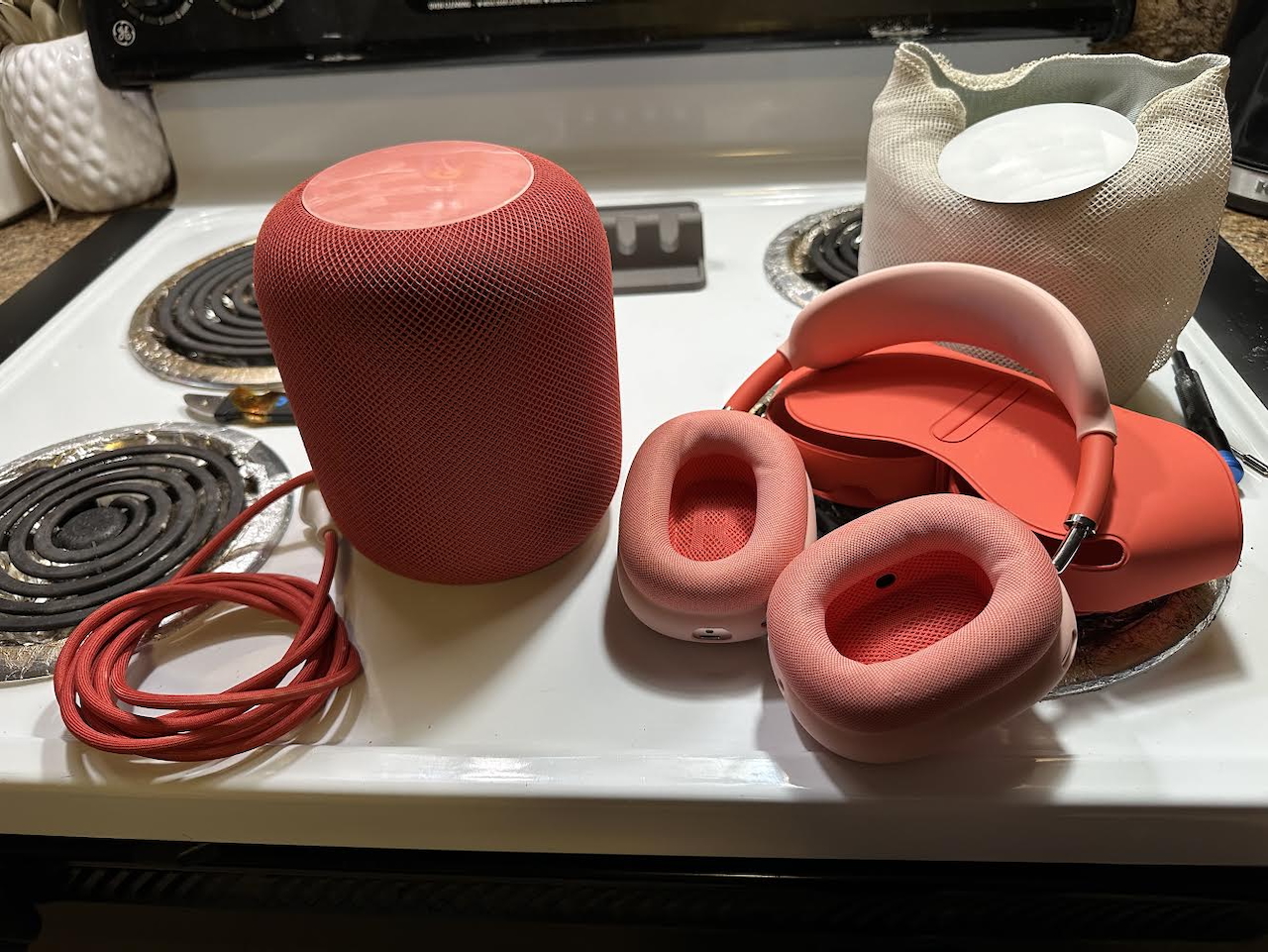
What If Product Red Pod?
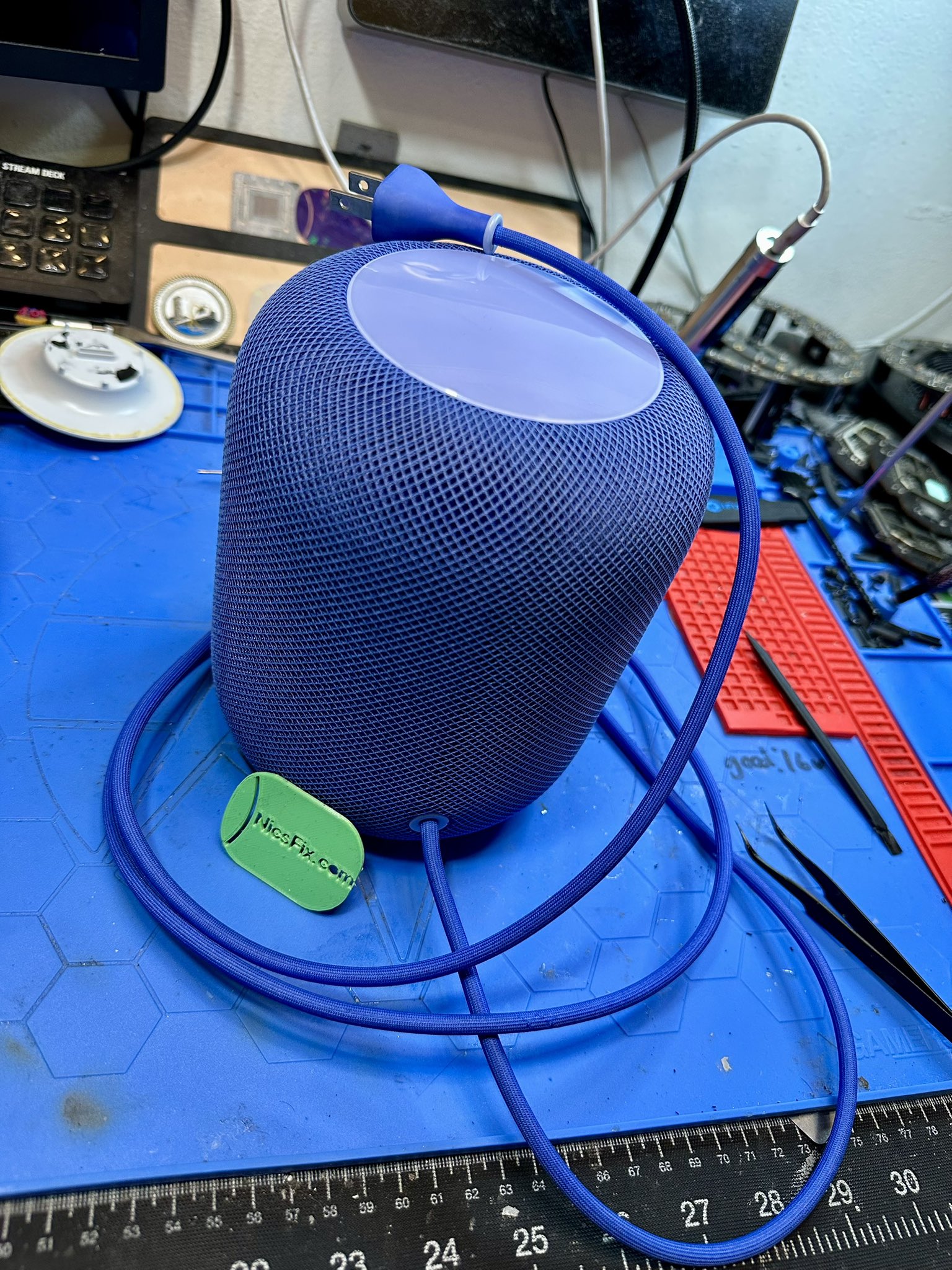
Sapphire Blue
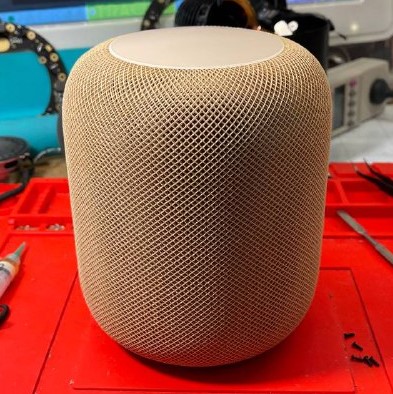
Sandstorm by Darude
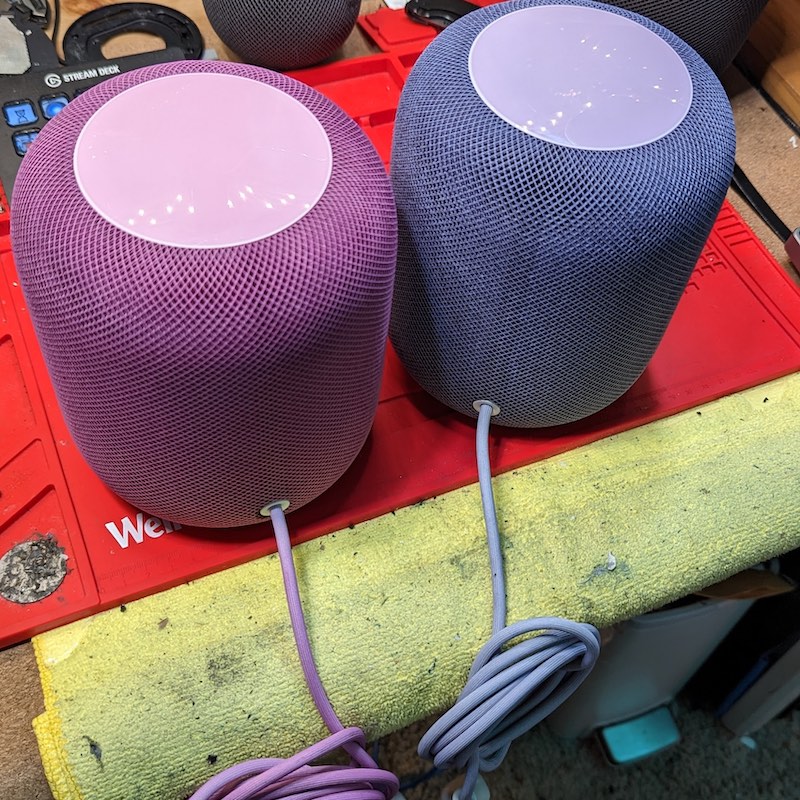
Purple and Navy Blue
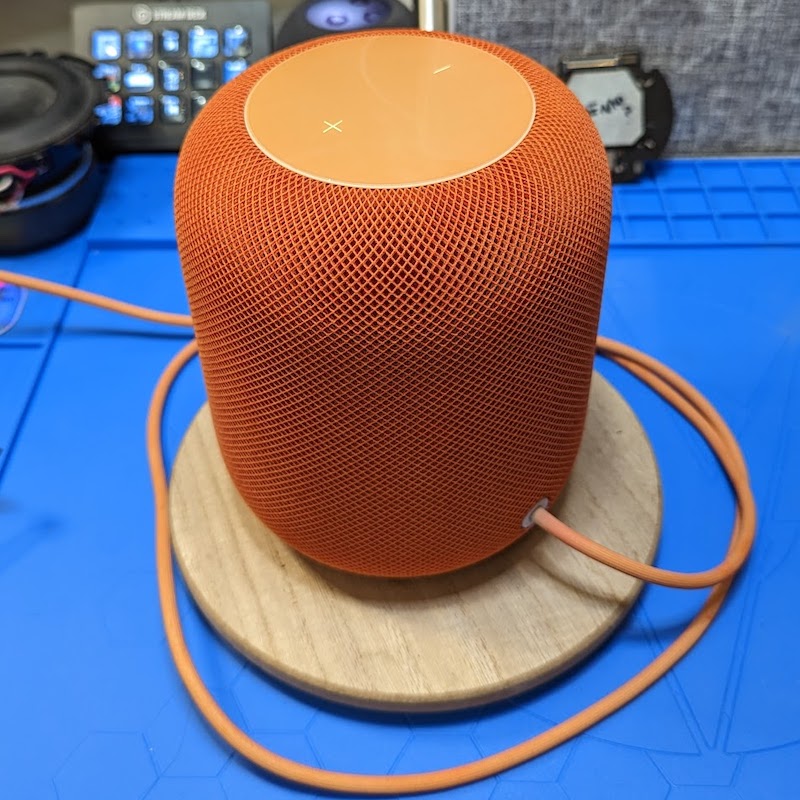
Orangey
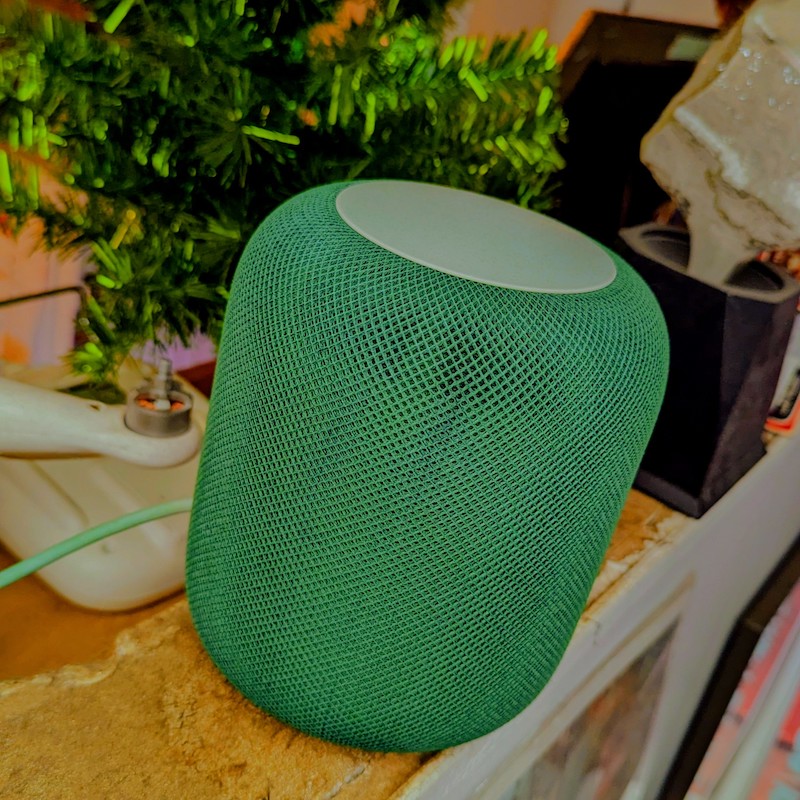
Green
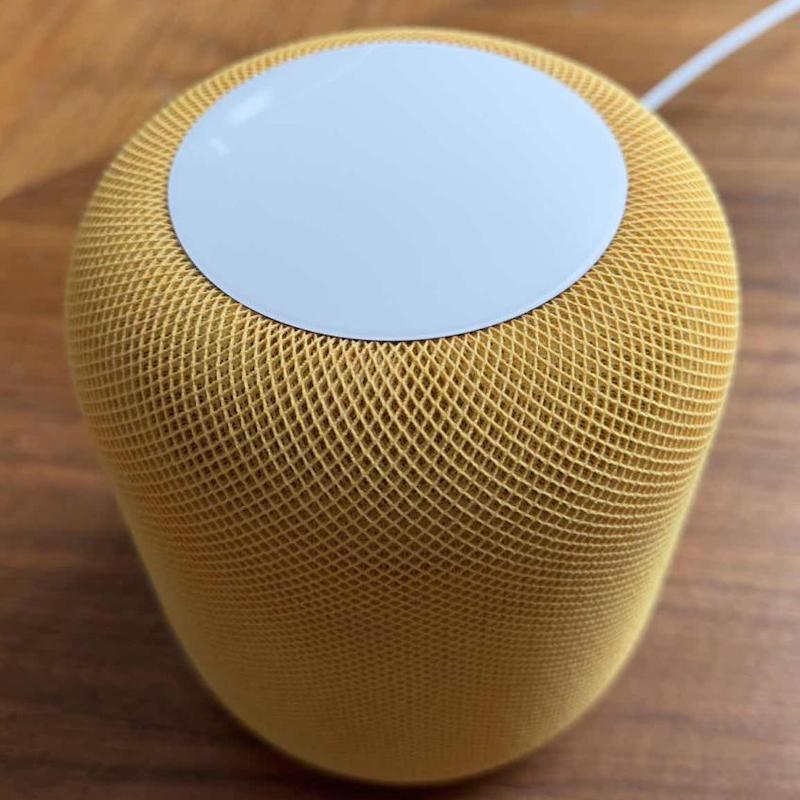
Daffodil Done by celadonie.fr
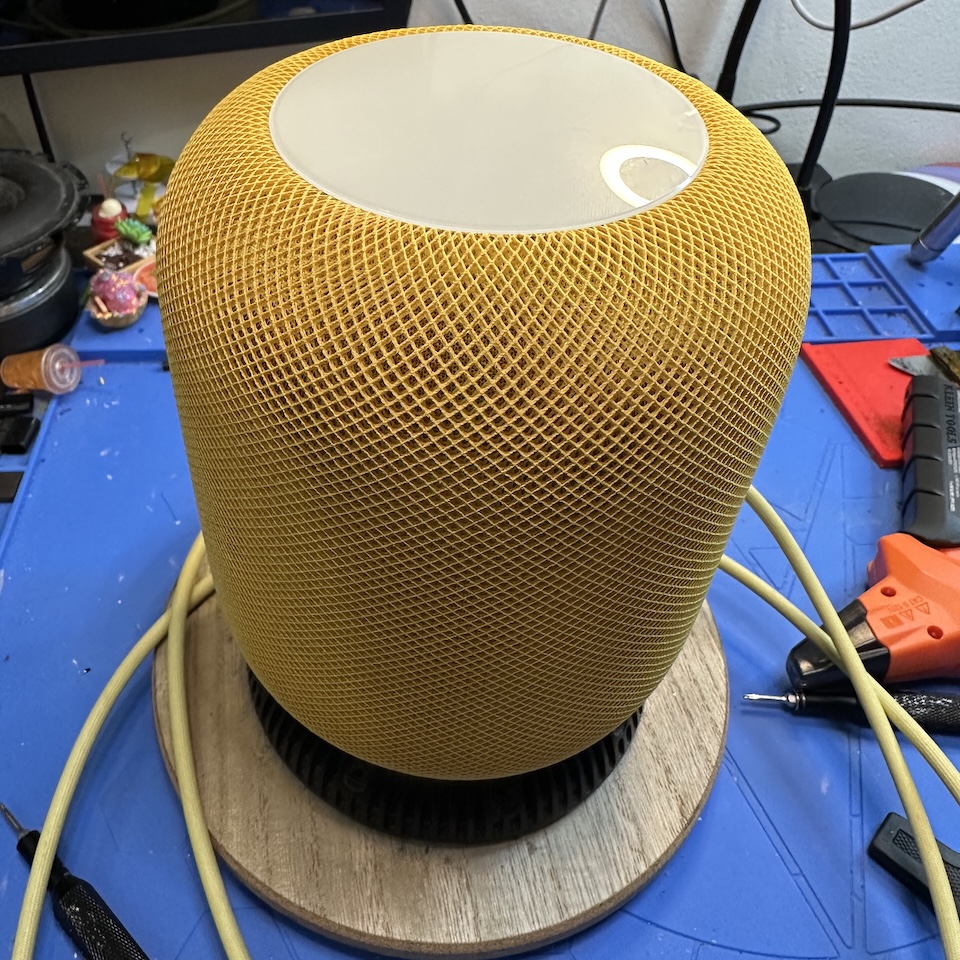
Pure Yellow
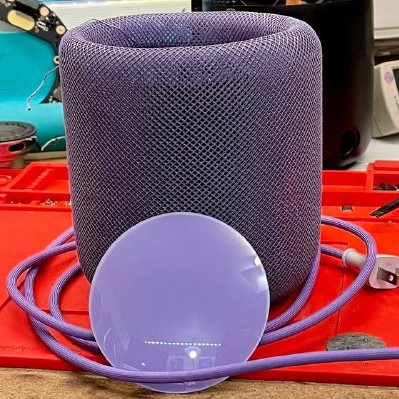
Purple
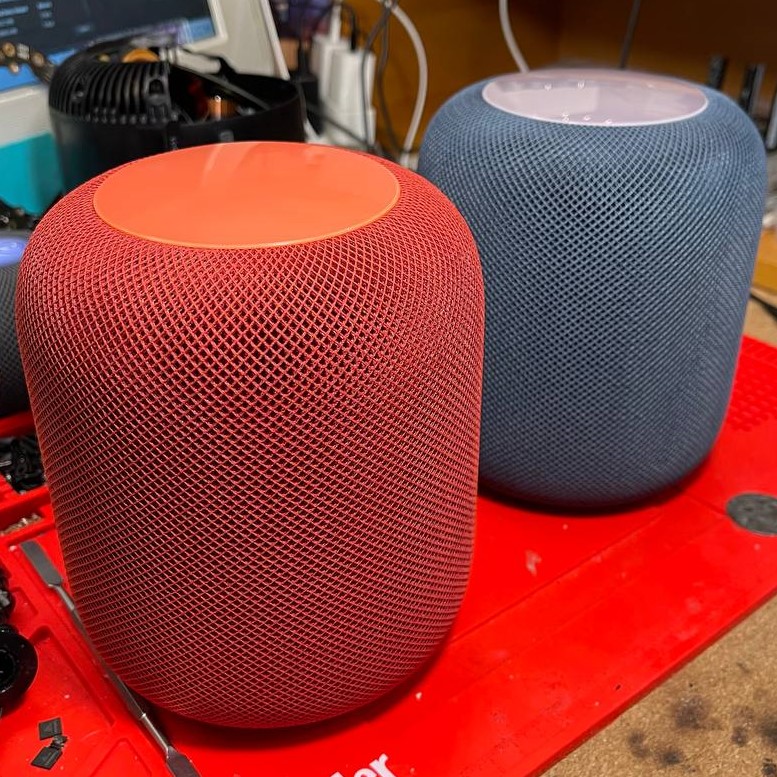
"You ever wonder why we're here?"
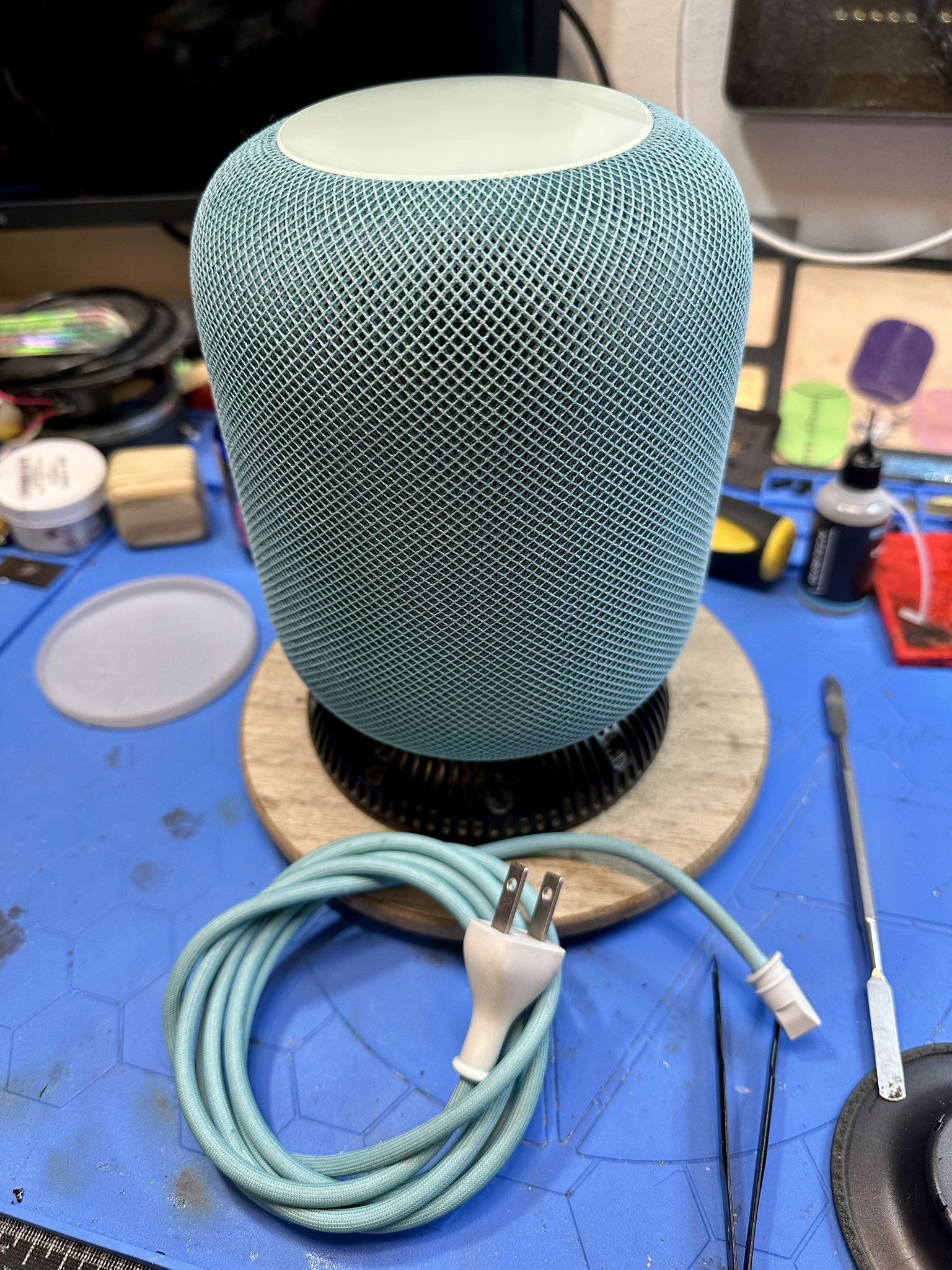
Feelin Teal
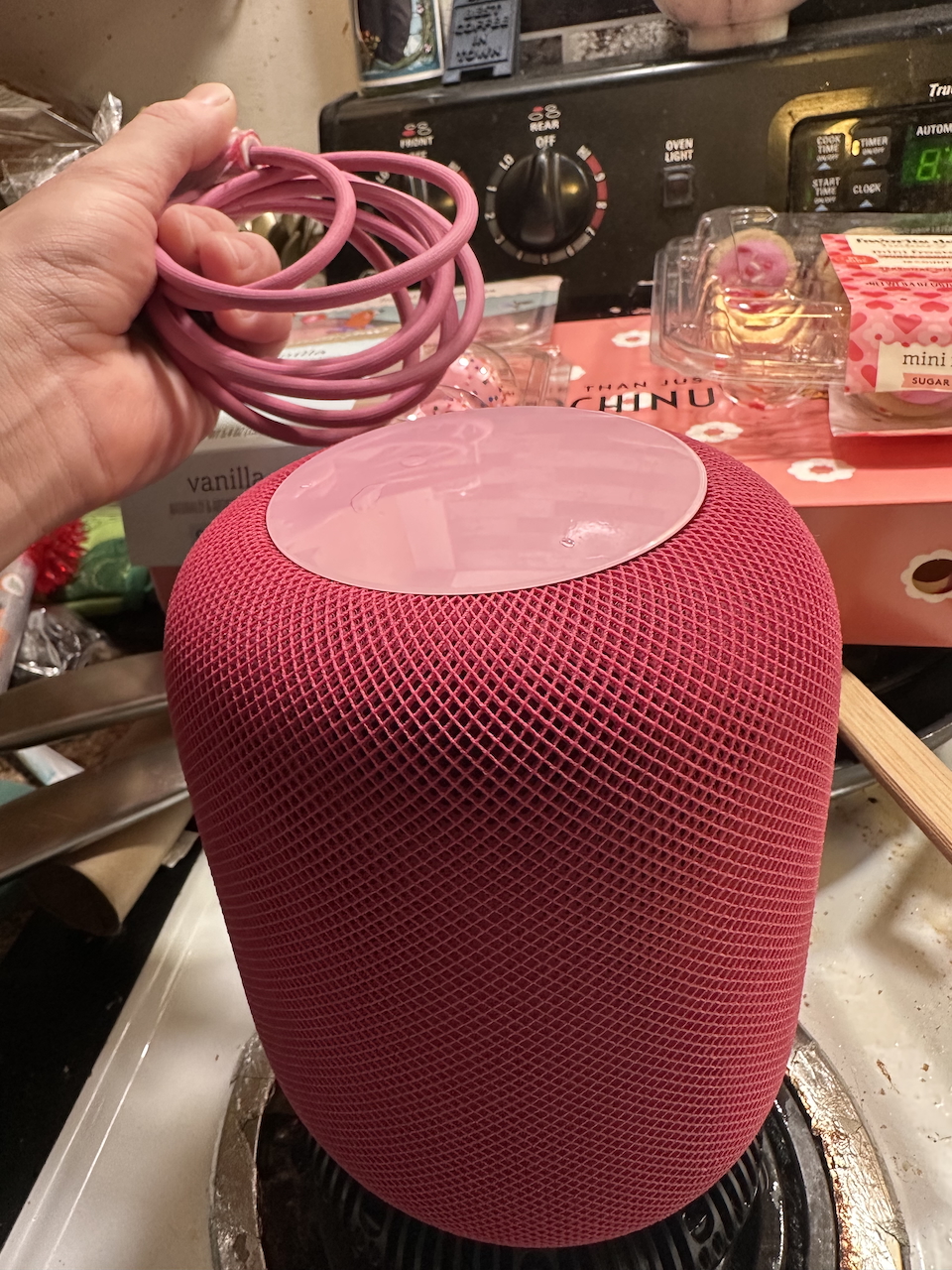
PINK!
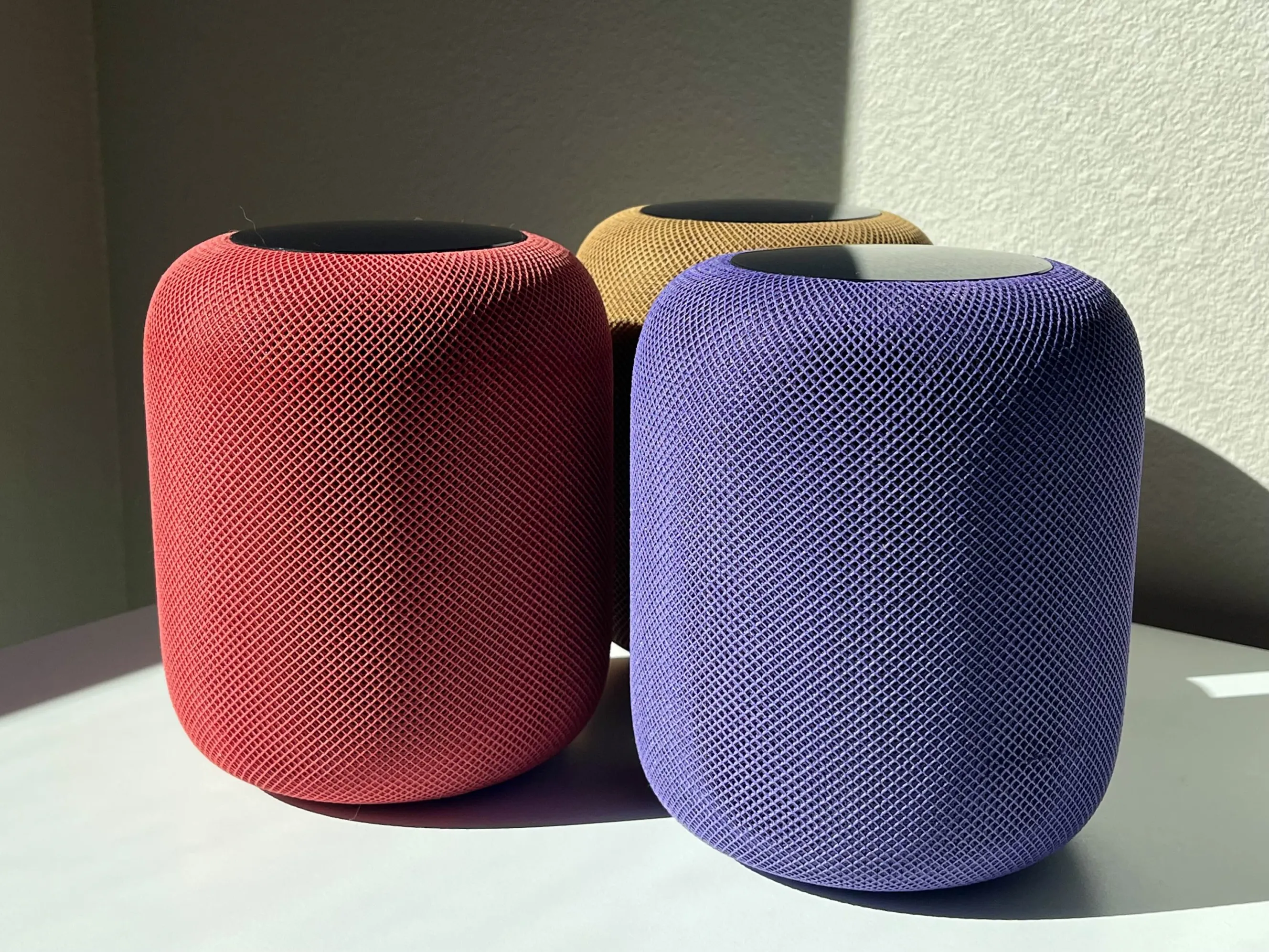
Red, Blue, and Burnt Orange
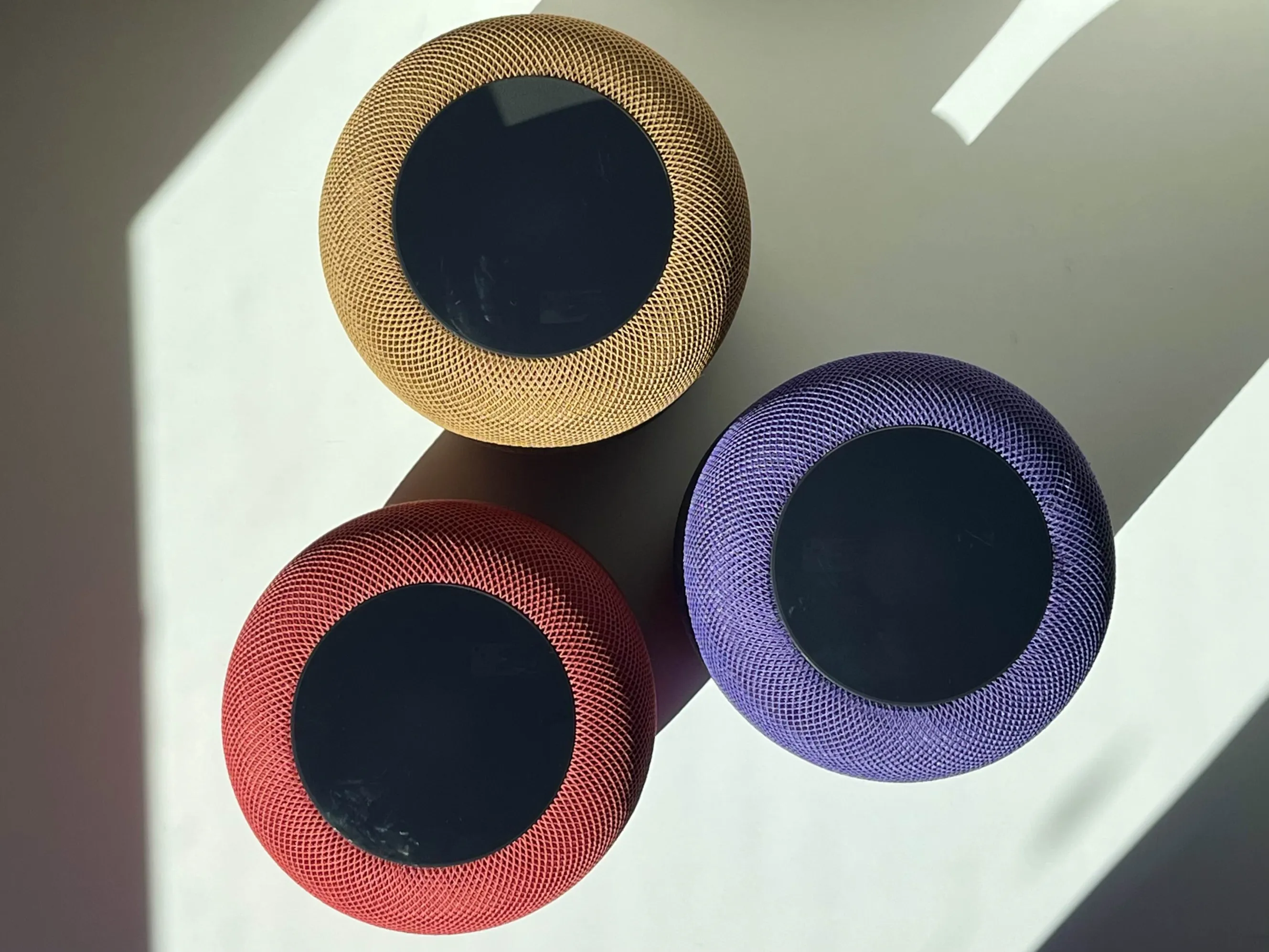
Some Fine Photography by Mike