Common Mistakes
Stuff to look for if you are having issues after attempting your own repairs.
Improper Ribbon Install / Damage After Repairs
Damaged or improperly reinstalled ribbon cables can cause no sound, no power, boot loops, and more.
Damage: Thoroughly inspect the entire ribbon cable for any tears, cracks, or other damage. This cable is commonly damaged from rough handling when disconnecting the logic board, where the end of the cable connecting to the logic board will crack / tear. Another common mistake is accidentally damaging the ribbon cable while trying to pry the top basket off.
Improper Installation: The most common mistake made when reassembling your HomePod is an incorrect installation of the main ribbon cable. On the amplifier board connector, the locked position will actually look open, and unlocked actually looks closed! Verify you have properly locked the cable in by pressing the locking clip down, and that the white line on the cable is level with the top of the connector! Improper installation may lead to permanent damage resulting in no sound or power. I've even done this once myself and lost both the amp and logic board's sound, and have yet to figure out how to repair it.
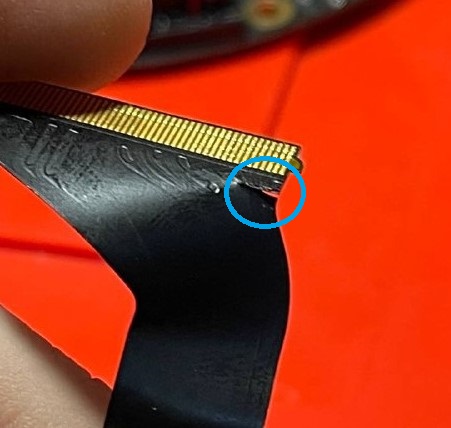
Torn Cable From Pulling on Logic Board
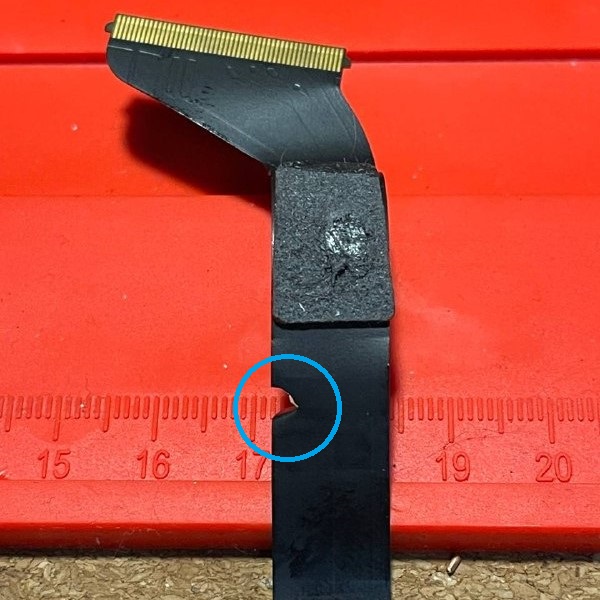
Damaged Cable from Prying Top Basket
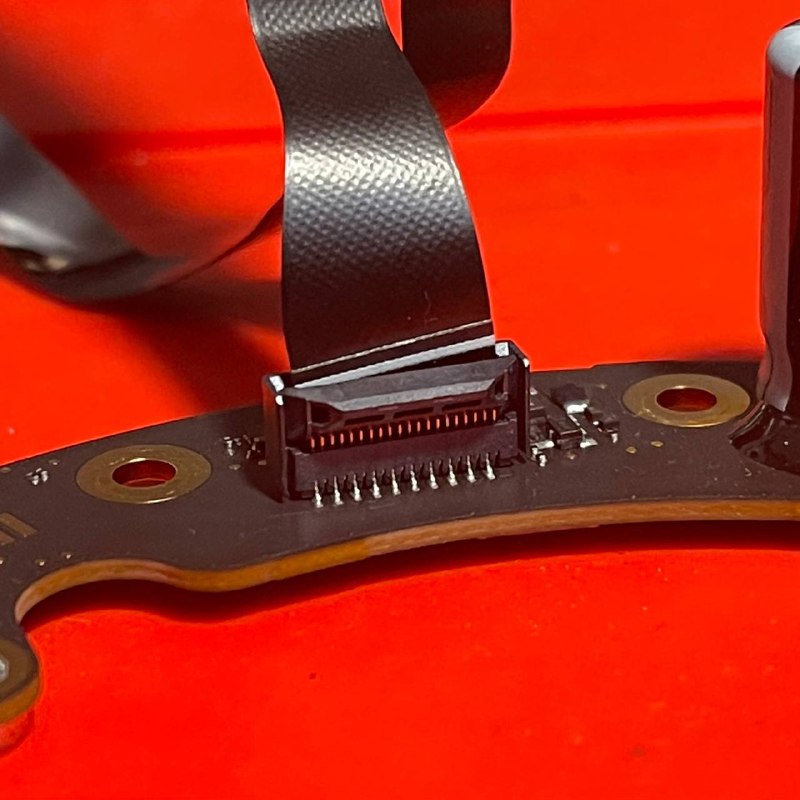
Unlocked, Crooked Cable
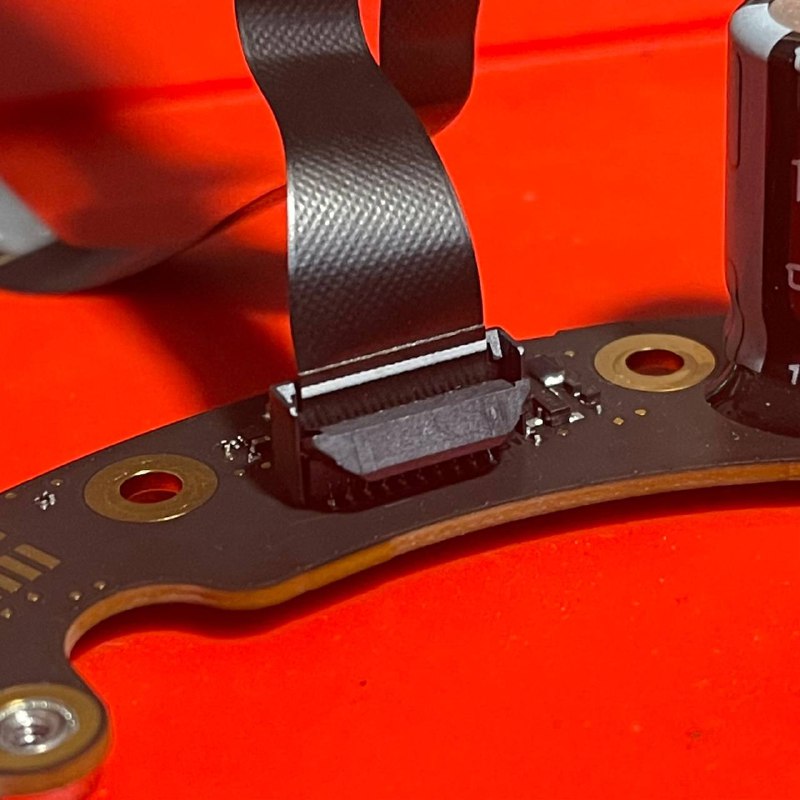
Locked, Level Cable
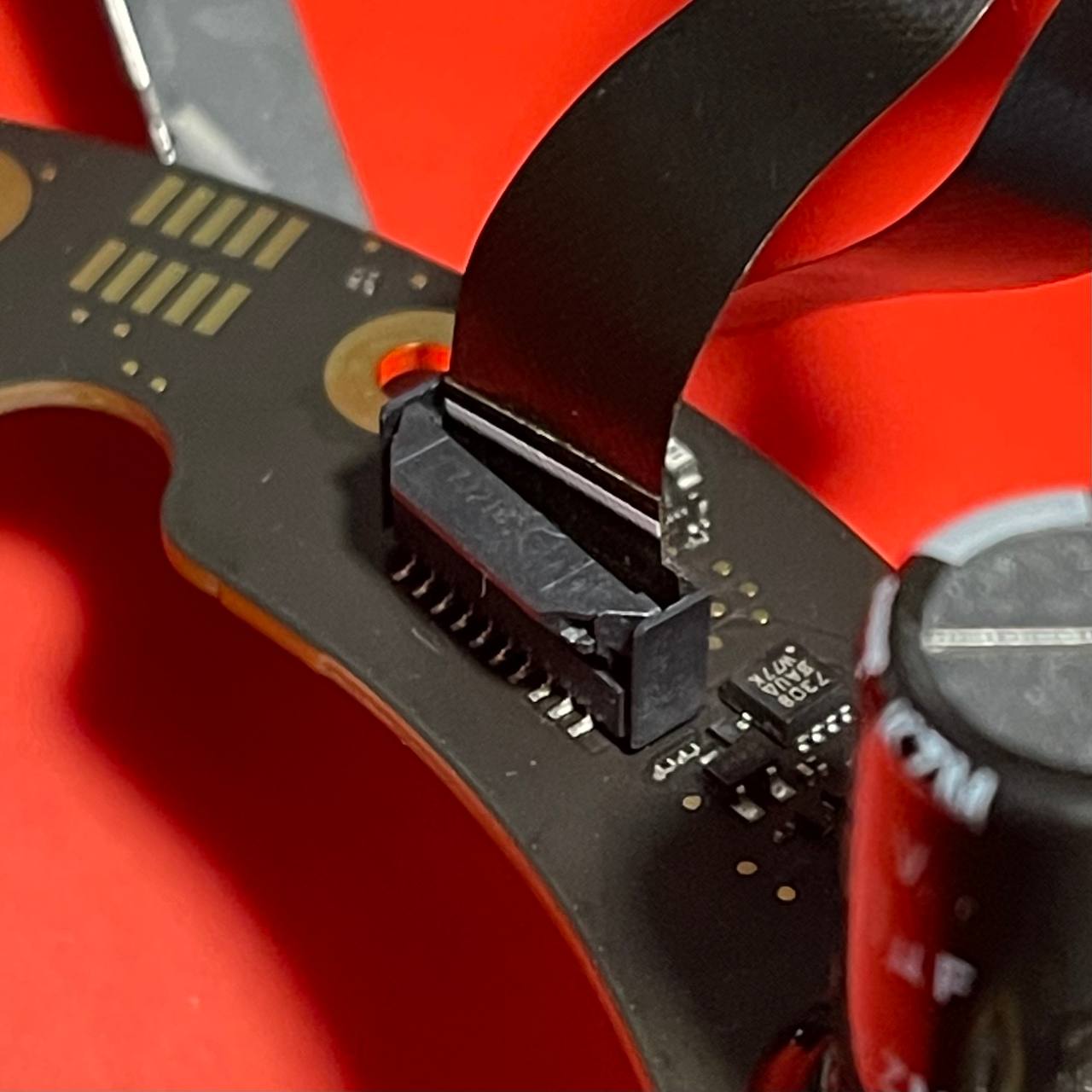
Don't Do This!
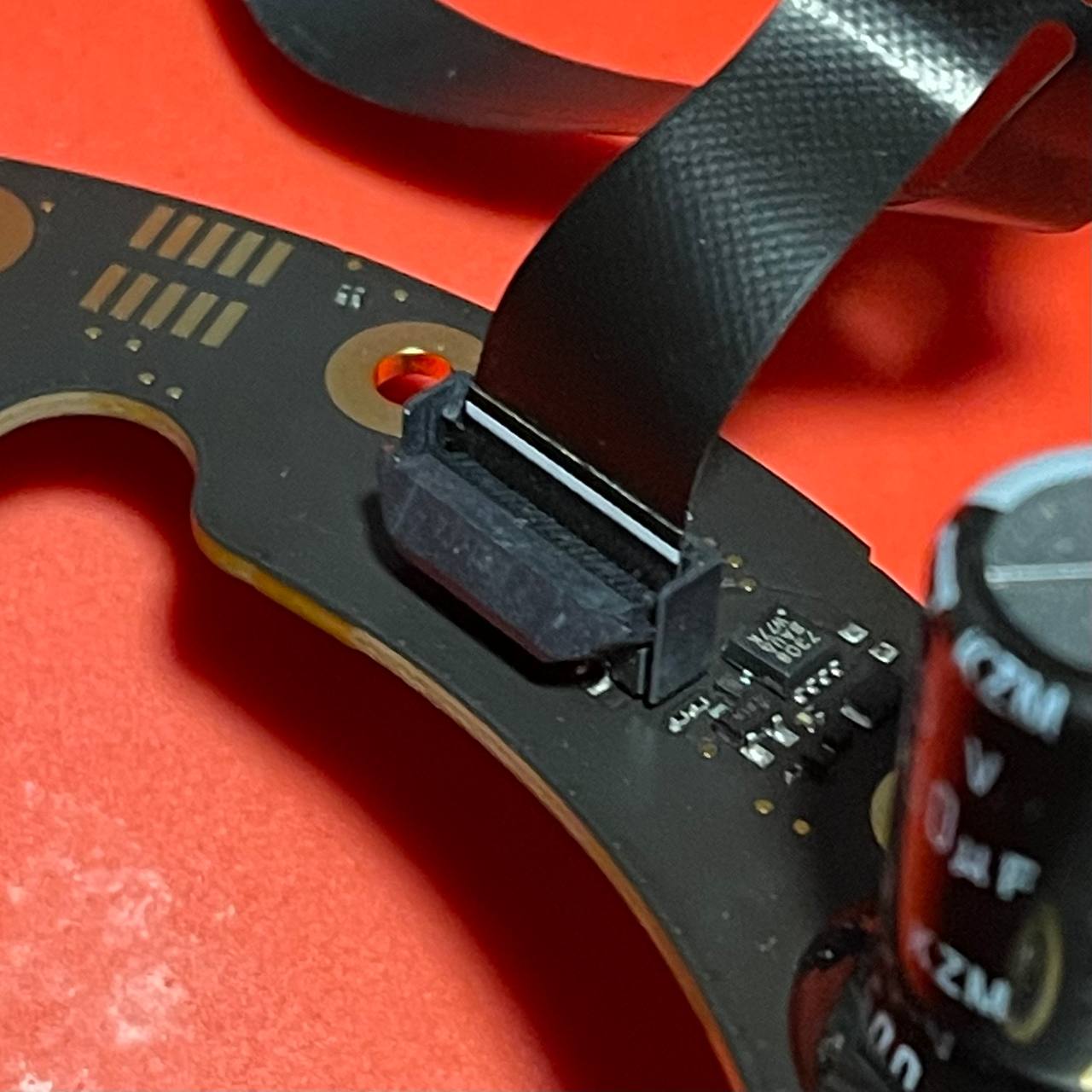
Do This!
Boot Loops or Blinking / Flickering Volume Buttons - Damaged Mic Board
Symptoms: Various symptoms like flickering volume buttons, power cycling, not turning on etc...
Diagnosis: Thoroughly inspect the mic board for any damage, especially around the chip pictured below.
Repair: Replace mic board. Unsure what part # the chip pictured below is...
Root Cause: Discord user "nighthawk_94191" has identified the likely cause of this coming from people over-tightening / rotating the black plastic ring (that sits just above the mic board) too far.
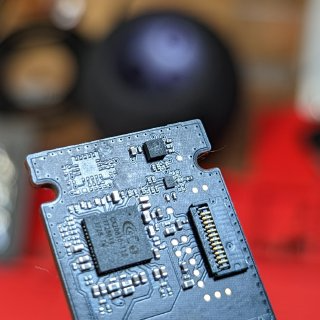
What the mic board should look like
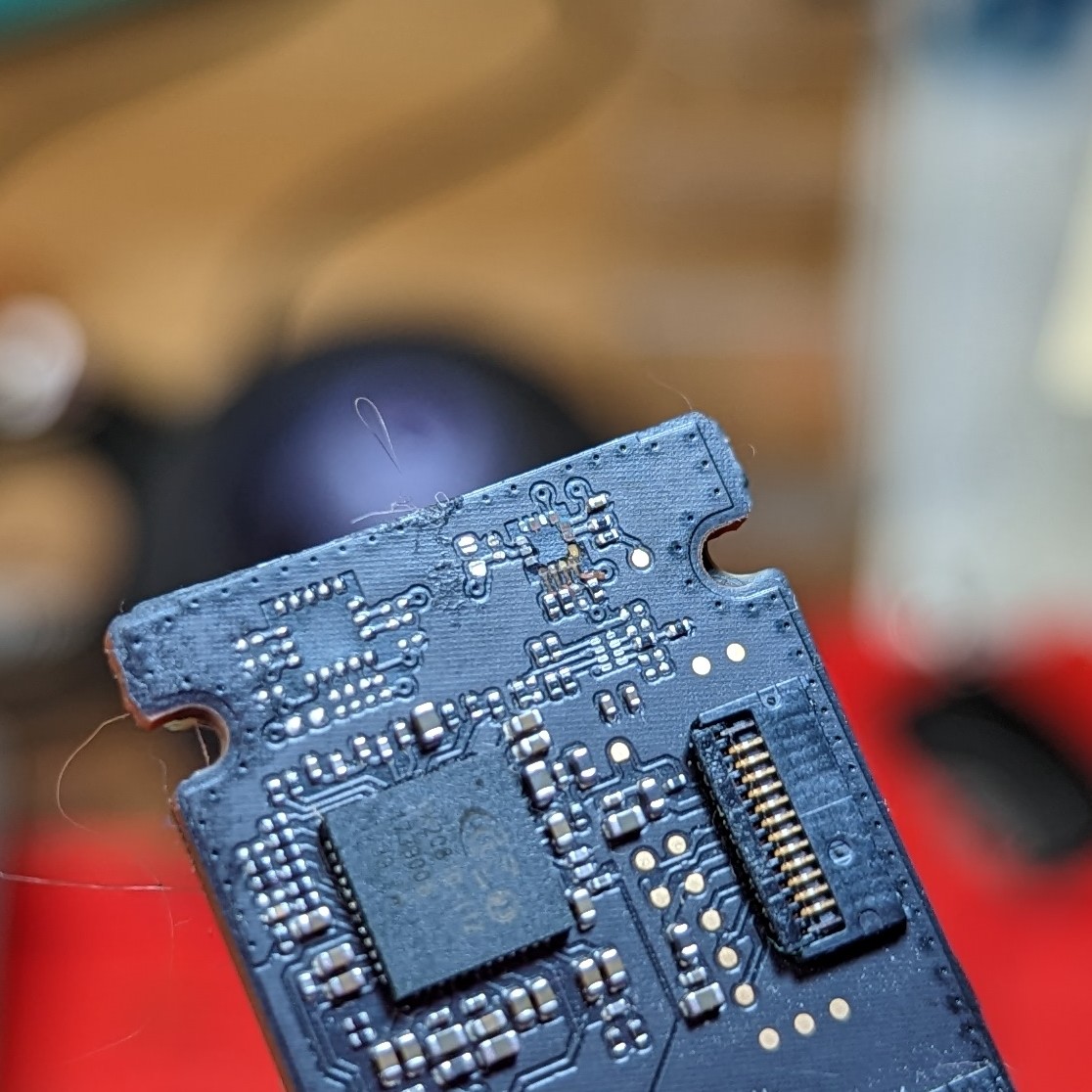
That one .gif of michael scott yelling "NO"
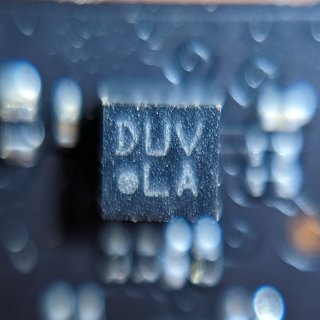
Unidentified Chip